
How to Switch to Fiber Internet: A Simple Step-by-Step Guide
If you’ve been thinking about switching internet providers but aren’t sure where to start, you’re not alone. Many homeowners worry the process will be complicated, time-consuming, or disruptive. The good news? Switching to Nuvera fiber internet is much easier than most people expect.
Whether you want faster speeds, more reliable service, or better customer support, here’s exactly what you can expect when switching to NuFiber internet.
Why More People Are Switching to Fiber Internet
Fiber internet has become the preferred choice for households that rely on streaming, gaming, video calls, smart home devices, and remote work. Fiber internet offers:
- Faster internet speeds
- More reliable performance
- Better connectivity for multiple devices
- Lower lag for gaming and streaming
- Consistent speeds during peak usage times
For many families, switching to fiber means fewer interruptions and a smoother online experience overall.
Step 1: Contact Nuvera Fiber
Getting started is simple. You can either call or text Nuvera directly or shop online whenever it’s convenient for you.
When you call, you’ll speak with a local Nuvera sales associate — a real person who can answer questions and guide you through the process. If you prefer online shopping, you can browse available internet plans and get started on your own schedule.
This first step usually only takes a few minutes.
Step 2: Check Fiber Availability at Your Address
Once you connect with the Nuvera team, they’ll confirm what fiber internet speeds are available in your area.
From there, they’ll walk you through your plan options, including:
- Internet speeds
- Pricing
- Service features
- Recommended plans based on your household needs
Step 3: Schedule Your Installation
After selecting your plan, the next step is scheduling your installation appointment.
Nuvera offers flexible scheduling options so you can choose a day and time that works best for your household. There’s no complicated setup process on your end — the team handles the details for you.
Step 4: Professional Fiber Internet Installation
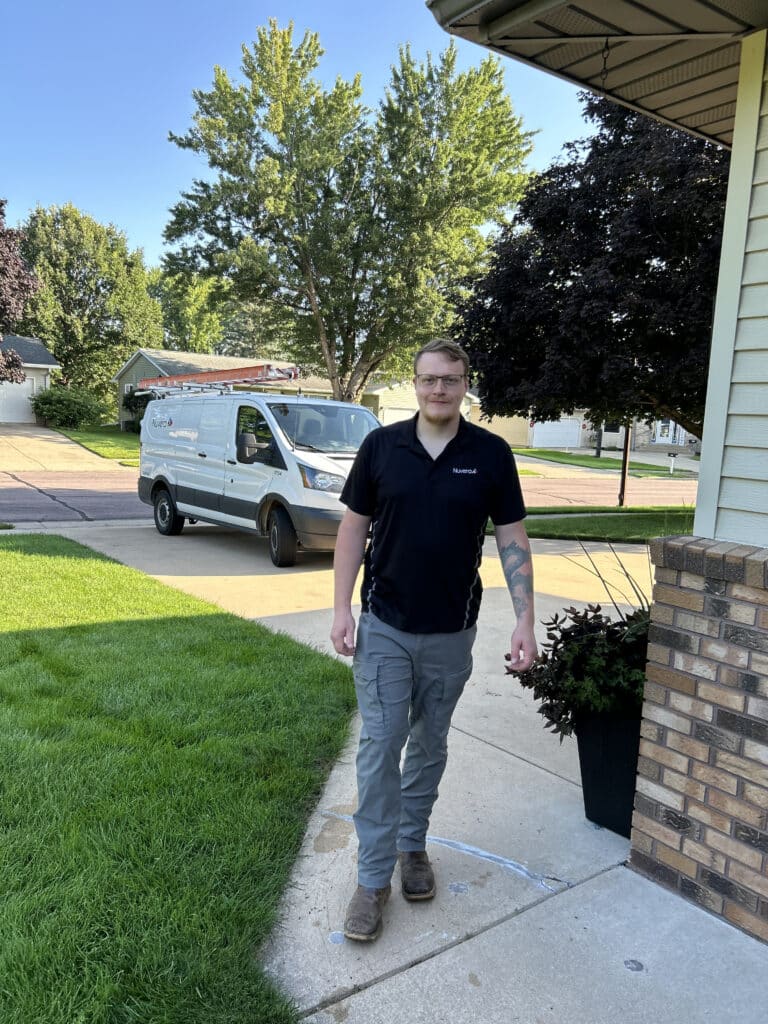
On installation day, experienced Nuvera technicians come directly to your home to complete the setup.
The installation process is designed to be quick and efficient. Technicians will typically contact you with a call or text before they arrive, so you know exactly when to expect them.
During the appointment, they’ll:
- Install the necessary equipment
- Connect your internet service
- Test your connection
- Ensure everything is working properly
Their goal is to get you connected with minimal hassle.
Step 5: Start Enjoying Fast, Reliable Internet
Once installation is complete, you’re ready to go.
You can immediately start enjoying fast, dependable fiber internet for streaming, gaming, working from home, browsing, and connecting all your devices.
And if you ever have questions after installation, Nuvera’s local support team is available to help online, by phone, or at a nearby office location.
Is Switching Internet Providers Worth It?
For many households, the answer is yes. If you’re frustrated with slow speeds, unreliable connections, or poor customer support, upgrading to fiber internet can make a noticeable difference in your day-to-day online experience.
The switching process is often much simpler than people expect — especially when you have a provider that guides you through every step.
Ready to Make the Switch?
Switching to fiber internet doesn’t have to be complicated. With fast speeds, local customer support, and a straightforward installation process, Nuvera makes it easy to get connected.
Click to learn more and explore available plans or call/text 844-354-4111 to get started today.
Related Articles
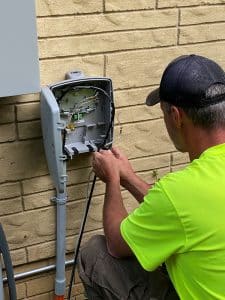
Quick answer: Nuvera installs fiber internet in seven main stages—from announcing a build area and notifying residents to burying the mainline, running a service drop to […]

When school is out for the summer, families look forward to more time together, vacations, and a slower pace of life. But there’s one thing […]

Getting internet service set up at your home is a great first step — but it’s rarely the last one. Between connecting your smart TV, […]